Simi Valley Students Just Outsmarted the New School Cell Phone Ban—Here’s How
 Daniel Jordan
Inside the Clever Hack Kids Are Using to Beat the Cell Phone Ban
(CLAIR | Simi Valley, CA) — In schools across the country, students are turning Google Docs into secret chatrooms. It’s fast, it’s clever, and it’s changing how kids get around phone bans. And while the hack is trending nationwide, it comes just as the Simi Valley Unified School District (SVUSD) has tightened its own rules.
The Local Rules
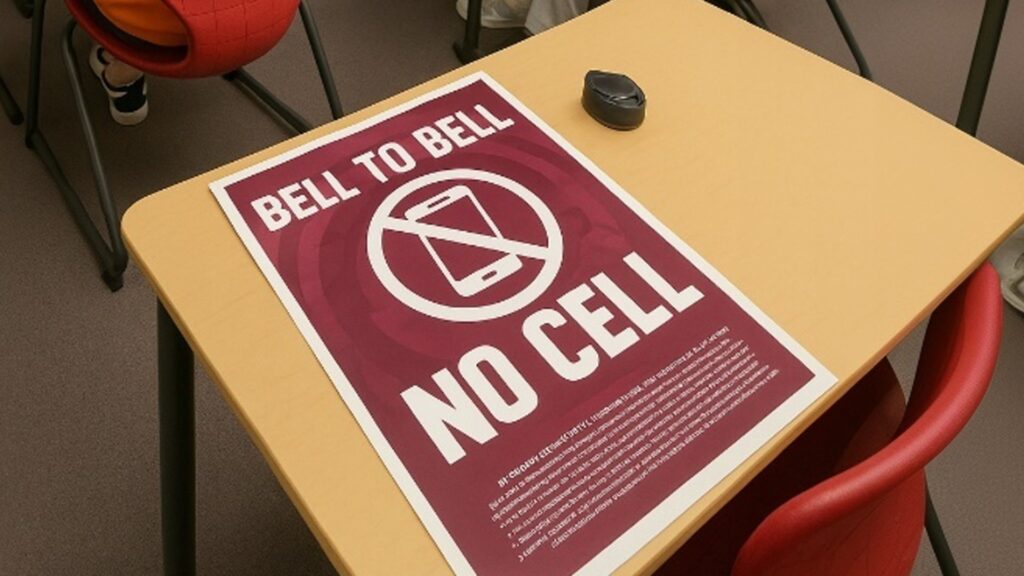
Earlier this year, the SVUSD Board of Education reaffirmed its cell phone restrictions under Board Policy 5131.8, which was revised in May 2025. Under this policy, student devices must be turned off and put away during instructional hours. High school students may use phones before and after school and at lunch; middle and elementary students are not permitted to use them during the school day.
The update follows California’s AB 272 (Ed Code § 48901.7), which grants school districts the authority to adopt policies limiting student smartphone use on campus.
A parent claimed on social media that phones would also be restricted during passing periods — a detail the Simi Valley Unified School District says is completely false and not part of its official policy.
The Docs Trick
Phones may be banned, but students haven’t stopped talking. They’ve just changed the channel.
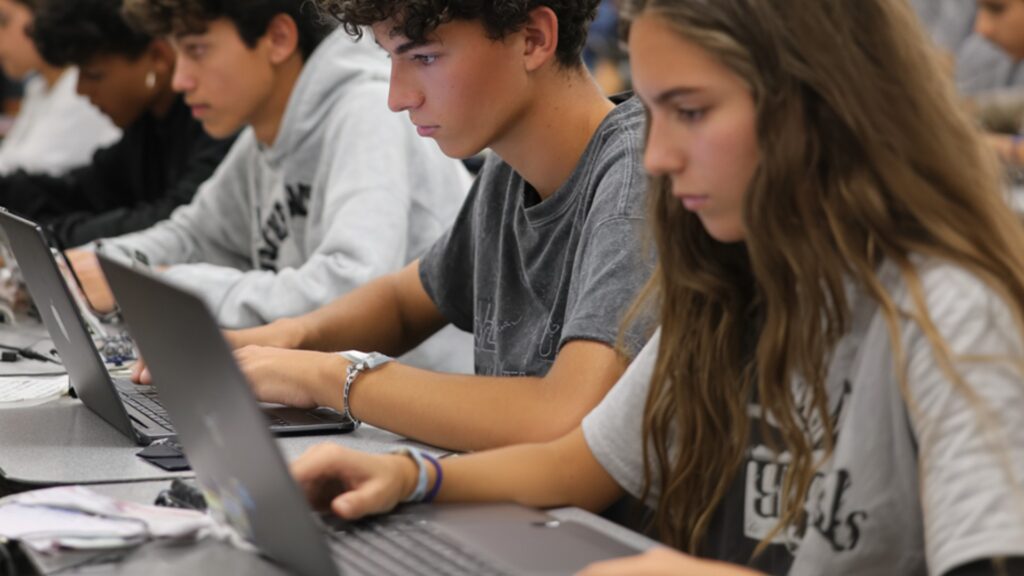
Google Docs, the same tool schools encourage for classwork, has turned into a digital backchannel. Students set up shared documents, choose a font or color to represent themselves, and chat in real time while the teacher thinks they’re working. If someone walks by? One click and the words vanish.
This isn’t even new. Back in 2019, The Atlantic reported on the very same trick — students using Docs as a secret chatroom hidden in plain sight. Six years later, that old hack has once again exploded on TikTok, where step-by-step guides are racking up views. One teen even called it “the new Snapchat for school”.
To an outsider, it just looks like kids doing homework. But for students stuck in a long lecture, it’s a lifeline.
Here’s how it works:
- A student creates a shared Doc and invites friends.
- Each person picks a different font or color to represent themselves.
- They type messages back and forth in real time.
- If a teacher approaches, they can delete text instantly or click “resolve” to make comments disappear.
To the untrained eye, it looks like classwork. But behind those keystrokes, students are swapping jokes, making plans, and keeping each other company through long lectures.
This Isn’t New—Just Upgraded
If this sounds familiar, it’s because every generation of students has found ways to talk when they weren’t supposed to.
- Paper notes: Folded into triangles, passed under desks, or slipped through rows of hands.
- Codes and patterns: Secret folding styles or symbols that only friends understood.
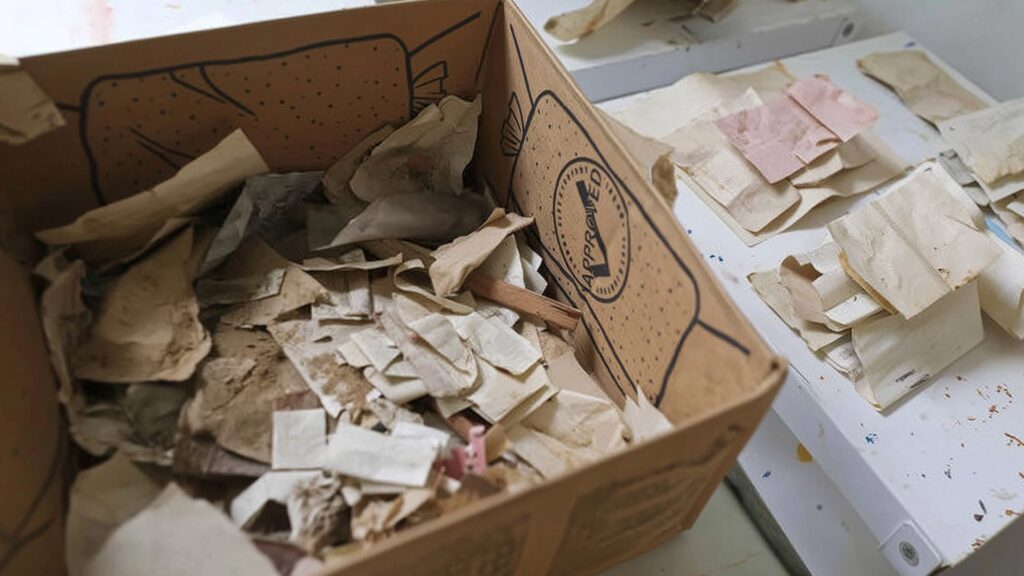
- Historic examples: In one 1800s schoolhouse in Maine, renovators found notes hidden in beams with simple lines like “Meet me by the swing.”
By the late 20th century, folded notes were as common as pencils. And if you were unlucky enough to get caught? Your teacher might read your note aloud to the entire class.
Phones Changed the Game
The arrival of cell phones shifted the game. Suddenly, messages could travel invisibly:
- Quick texts under a desk.
- Earbuds hidden under hair.
- Phones slipped inside hoodies.
As schools clamped down, students countered: some carried decoy phones for pouch checks, others learned how to break open magnetic pouches, and smartwatches turned a glance at the wrist into a conversation.
The pattern never changed: new rules created new workarounds.
Why Students Do It
It’s tempting to see this as rebellion, but most teens describe it as survival.
Class is long. Stress builds. Sometimes a friend’s encouragement or a shared joke is what gets them through the day.
One high school junior posted online: “If they take away our phones, we’ll just use something else.”
For many students, it’s less about breaking rules than about staying connected.
Teachers Respond
Educators are aware of the tricks. Some schools have disabled commenting in Docs or tightened Chromebook sharing settings. Others monitor edit histories for suspicious activity.
But each restriction tends to spark a new workaround:
- If AirDrop is disabled, they bury messages inside homework files.
- If Docs are locked, students turn to Notes apps.
- If Notes are blocked, they use AirDrop.
Bigger Than Rules
The tug-of-war between students and schools has been going on for centuries — folded notes then, Google Docs now.
Some districts are experimenting with new approaches:
- Building digital literacy into the curriculum.
- Setting aside short, structured device-use breaks.
- Creating tech-free spaces instead of total bans.
For now, though, in classrooms across Simi Valley and the country, the pattern continues: schools make new rules, and students find new paths.
And for anyone who once slipped a folded note across a desk, it’s hard not to smile at the instinct. The paper is gone. The chat is digital. But the drive to connect hasn’t changed.
Sources
- SVUSD Board Policy 5131.8 (May 2025 revision): https://simivalley.granicus.com/MetaViewer.php?clip_id=2922&meta_id=227891&view_id=7 simivalley.granicus.com
- California Education Code § 48901.7 (AB 272): https://leginfo.legislature.ca.gov/faces/codes_displaySection.xhtml?lawCode=EDC§ionNum=48901.7 Legislative Information
- AB 272 full bill text: https://leginfo.legislature.ca.gov/faces/billTextClient.xhtml?bill_id=201920200AB272 Legislative Information